

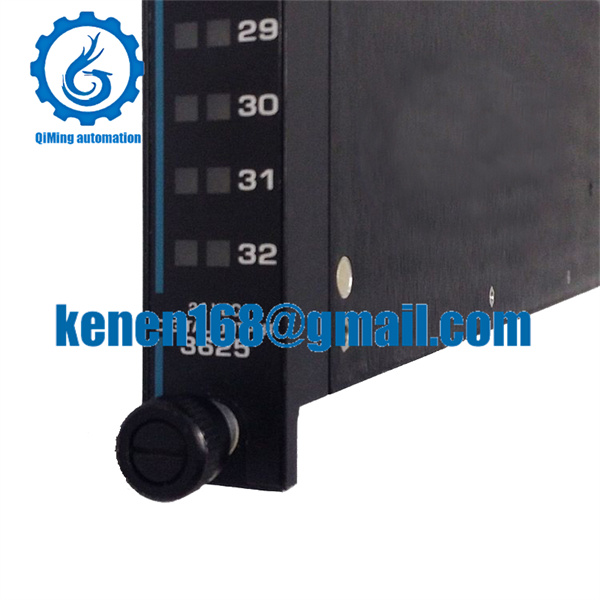
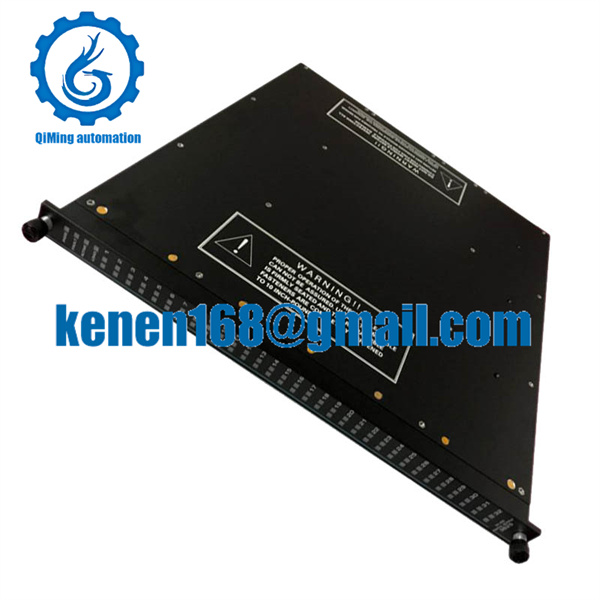
TRICONEX 3625 Digital Output Module
It is not necessary to install any other software on your computer to enable communication between Studio and your target device. However, this communication can only be used by the Studio application; it cannot be used to download control logic to the device. To download control logic to a TSAA device, you must also install the TSAA programming software (e.g., TriStation 1131). For more information, please consult the documentation provided by the device manufacturer.For safety reasons, you must take special precautions when installing any physical hardware. Please consult the manufacturer’s documentation for specific instructions.
TRICONEX 3625 Digital Output Module
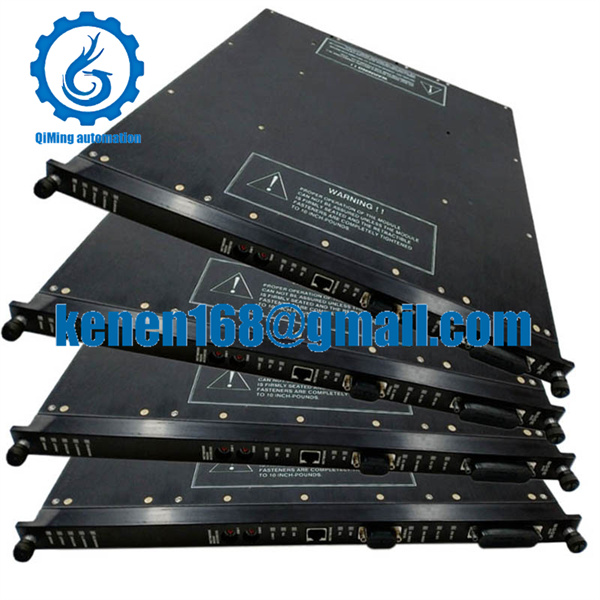
TRICONEX 3625 Digital Output Module
When you install Studio, all of the communication drivers are automatically installed in the \DRV subdirectory but they remain dormant until manually selected for specific applications. To select the TSAA driver for your Studio application:
1. From the main menu bar, select Insert Driver to open the Communication Drivers dialog.
2. Select the TSAA driver from the Available Drivers list, and then click the Select button. You must configure the following parameters on the NCM card using your TriStation Package:
Node Number
IP Address
Node Name
In order to do that, using TriStation 1131 v4.1, you can follow these steps below: On the Controller Tab, go to the TreeView window, expand Controller Interface, then Tricon Controller, finally selecting Configuration.Once the selected driver and the target device are both properly configured, it is not necessary to install any other software on your computer to enable communication between the host and the device. All runtime communication is handled within your Studio application project. However, programming the device itself — that is, developing control logic and downloading it to the device — still requires using the device’s own programming tool (TriStation 1131).
TRICONEX 3625 Digital Output Module
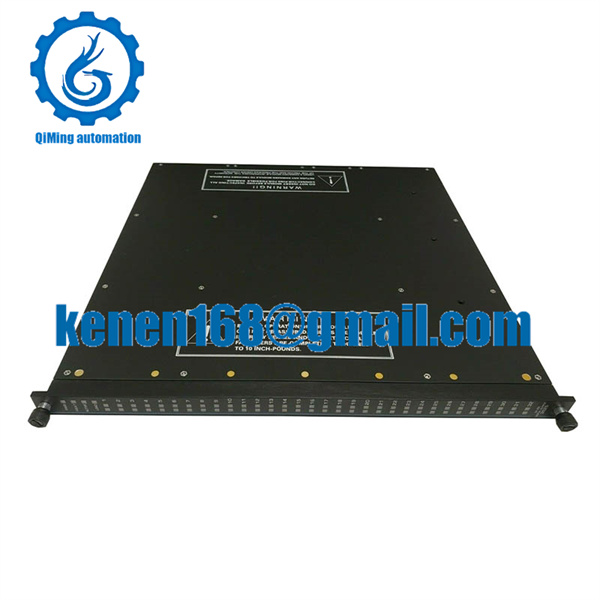
TRICONEX 3625 Digital Output Module
The communication settings are described in detail in the “Communication” chapter of the Studio Technical Reference Manual, and the same general procedures are used for all drivers. Please review those procedures before continuing.For the purposes of this document, only TSAA driver-specific settings and procedures will be discussed here. To configure the communication settings for the TSAA driver:
1. In the Workspace pane, select the Comm tab and then expand the Drivers folder. The TSAA driver is listed here as a subfolder.
2. Right-click on the TSAA subfolder and then select the Settings option from the pop-up menu: 3. In the Communication Settings dialog, configure the driver settings to enable communication with your target device. To ensure error-free communication, the driver settings must exactly match the corresponding settings on the device. Please consult the manufacturer’s documentation for instructions how to configure the device and for complete descriptions of the settings.Depending on your circumstances, you may need to configure the driver before you have configured your target device. If this is the case, then take note of the driver settings and have them ready when you later configure the device.
TRICONEX 3625 Digital Output Module
♦…♦♦…♦♦…♦♦…♦♦…♦♦…♦♦…♦♦…♦♦…♦♦…♦♦…♦♦…♦♦…♦♦…♦♦…♦♦…♦♦…♦♦…♦♦…♦♦…♦♦…♦♦…♦♦…♦
Shipping:
1. Your item will be shipped to all countries via EMS, unless one country cannot be shipped via EMS. We will choose DHL, UPS, or FedEx. Please leave us your phone number.
2. We will ship the product to you on the same day or within 1-2 working days after receiving your payment. The shipping time depends on the country/region where you reside, the customs and habits of your country/region, and especially during peak hours.
3. Assuming (assuming) that the item requires payment of tariffs from your country, the buyer is obligated. We are not responsible for any taxes or customs fees in your country/region.
Return Policy:
1. Please contact us before returning the item.
2. The buyer should inform the seller of all returned items within 7 days after receiving the package. We reserve the right to reject any request to inform the seller for more than 7 days.
3. Returned products must have all original packaging and be in good condition.
Response policy:
If you are satisfied with the purchase, please leave us an active response.
2. If you have any questions about the outcome of the transaction or product, please contact us first and we will do our best to satisfy you!
3. Please do not reply with negative feedback before contacting us!
Related models:

There are no reviews yet.